You can create an automatic message that sends when a booking is confirmed.
To set this up:
- Open your listing editor
- Go to Basic info
- Find Automatic message template
- Add your message and save
Look for this section:
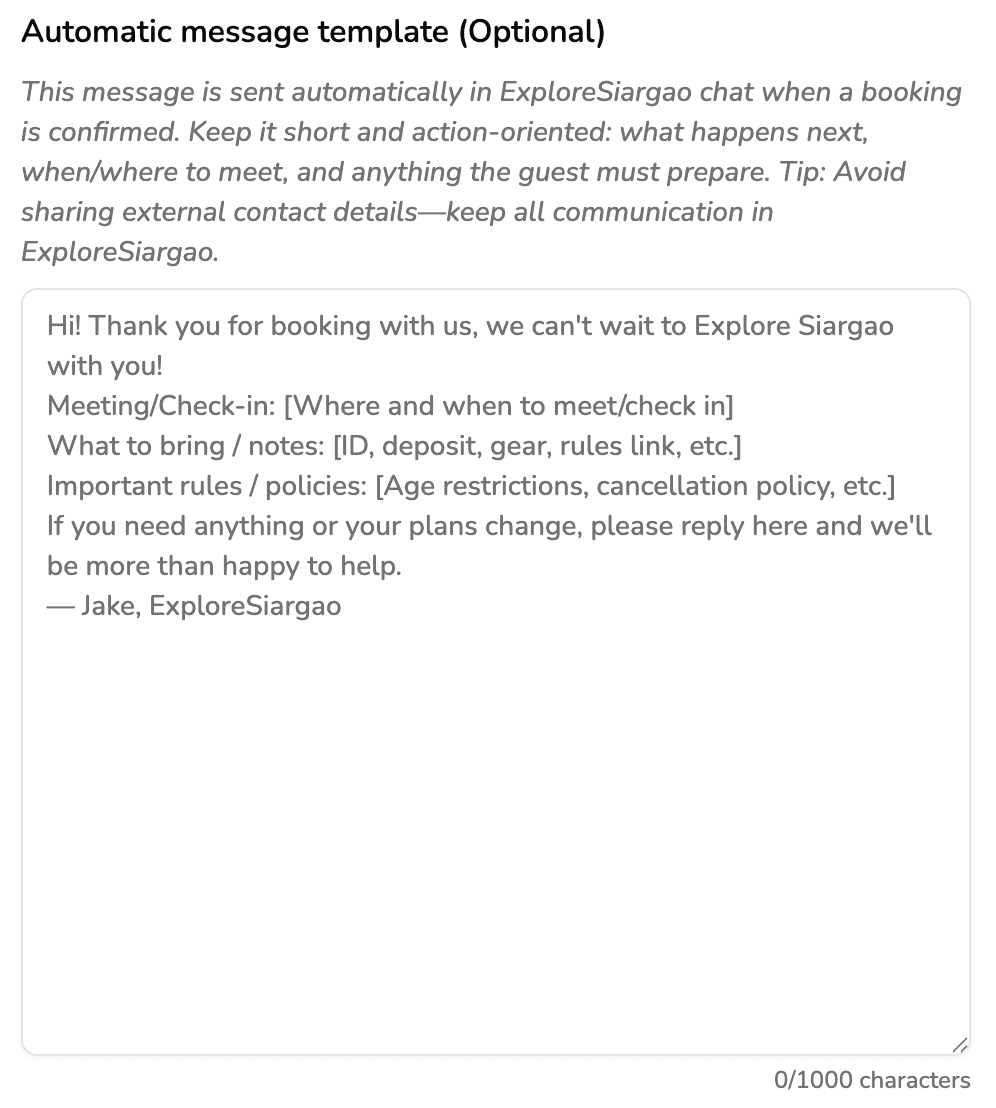
This message should be short and action-oriented. Include what happens next, where and when to meet, and anything the guest needs to prepare.